Management reporting for a quality system should take minutes, not days.
How to run quality management reporting with standard reports, a report builder, scheduled delivery and executive packs that support ISO 9001 clause 9.1.3.
The principle
If producing a report takes days, the organisation will only see its performance a few times a year.
In many organisations, quality reporting is a monthly project: data exported from several systems, combined in spreadsheets, formatted into slides. By the time the report is ready, the numbers are weeks old, and the effort discourages anyone from asking for more.
The cost is not only the hours spent compiling reports. It is the questions never asked because answering them would take too long, and the problems that grow unnoticed between monthly reports. When reporting is fast, management asks better questions more often, and the quality system becomes something leaders actually use.
01 · Start with context
Analysis and evaluation are required.
ISO 9001 clause 9.1.3 requires the organisation to analyse and evaluate appropriate data and information arising from monitoring and measurement. The results must be used to evaluate:
- Conformity of products and services.
- The degree of customer satisfaction.
- The performance and effectiveness of the quality management system.
- Whether planning has been implemented effectively.
- The effectiveness of actions taken to address risks and opportunities.
- The performance of external providers.
- The need for improvements to the quality management system.
Reporting is how that analysis reaches the people who decide. The standard notes that methods to analyse data can include statistical techniques.
Analysis, not just reporting
A report that lists numbers is not analysis. Analysis compares results with targets and previous periods, looks for trends and patterns, and draws conclusions. Good management reports do this work, so readers spend their time deciding rather than interpreting.
02 · Start with standard reports
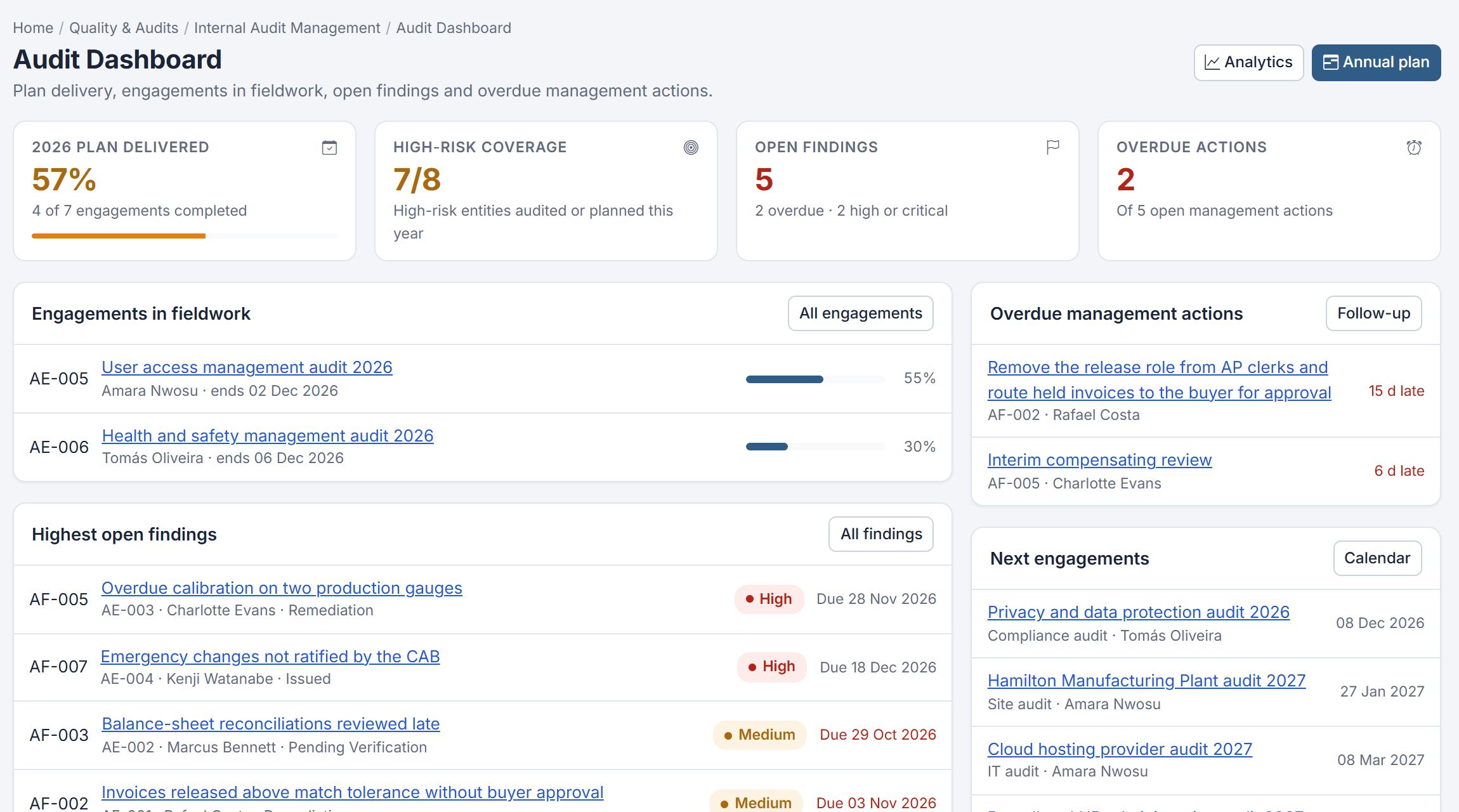
Cover the common questions.
- Open nonconformities and corrective actions by age and owner.
- Audit findings and their status.
- Documents due for review.
- Risks above appetite.
- KPI performance against target.
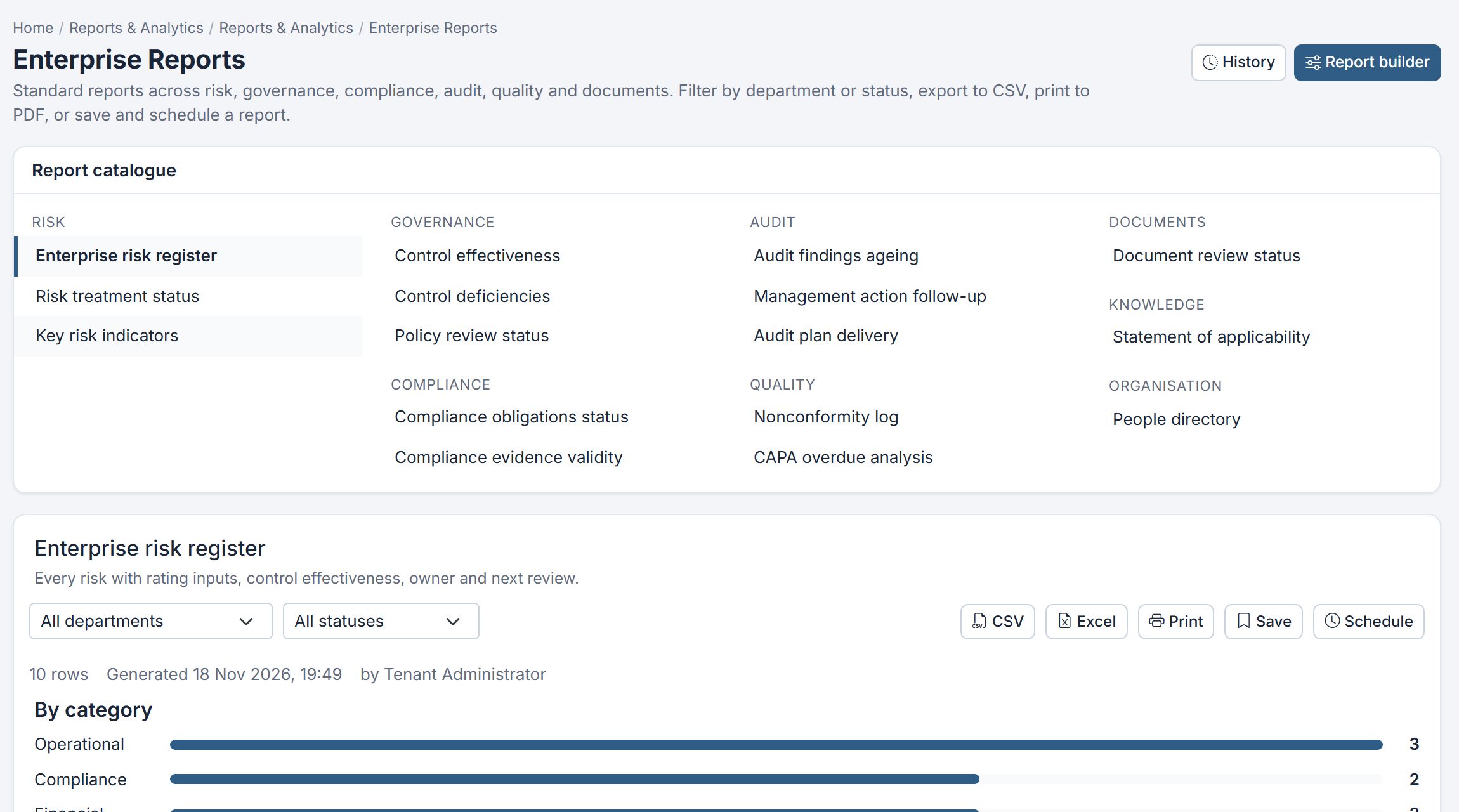
Standard reports answer the questions asked every month, consistently.
Consistency is a feature. When the same report is produced the same way every month, readers learn where to look and changes stand out. Standard reports also reduce the risk of different people calculating the same figure differently.
03 · Build your own
For the questions nobody predicted.
- Choose the record type to report on.
- Select fields, filters and grouping.
- Save the report and share it with colleagues.
- Export to CSV or Excel when further analysis is needed.
A report builder lets quality teams answer new questions without waiting for IT.
Examples of ad-hoc questions
Which suppliers generated the most nonconformities this year? Which corrective actions were rated not effective, and what were their root causes? How many documents owned by the operations department are overdue for review? Questions like these arise constantly, and a self-service report builder answers them in minutes.
04 · Schedule delivery
Reports that arrive on their own.
Scheduling recurring reports by email puts information in front of managers without them having to look for it. A history of every run shows what was reported and when.
Targeting matters. A department head receiving a weekly report of their own overdue actions is more likely to act than one who receives a company-wide report and has to search for their name. Filtering scheduled reports by owner or department makes them personal and actionable.
05 · Assemble executive packs
One pack for the board or leadership.
Board and executive packs bring together the most important reports in one document for leadership meetings and management review, prepared from the same live data as everything else.
A good pack leads with conclusions: a short summary of performance, key risks and decisions needed, followed by supporting detail. Leadership time is limited, and packs that bury the important points in pages of tables waste it.
Common pitfalls
- Manual compilation: hours spent each month copying data between spreadsheets.
- Report sprawl: dozens of slightly different reports, none trusted as the definitive version.
- Data without conclusions: tables of numbers with no analysis of what they mean.
- Stale packs: board reports prepared from data that was weeks old by the meeting.
06 · Certora reports & analytics
Standard, custom, scheduled and packaged.
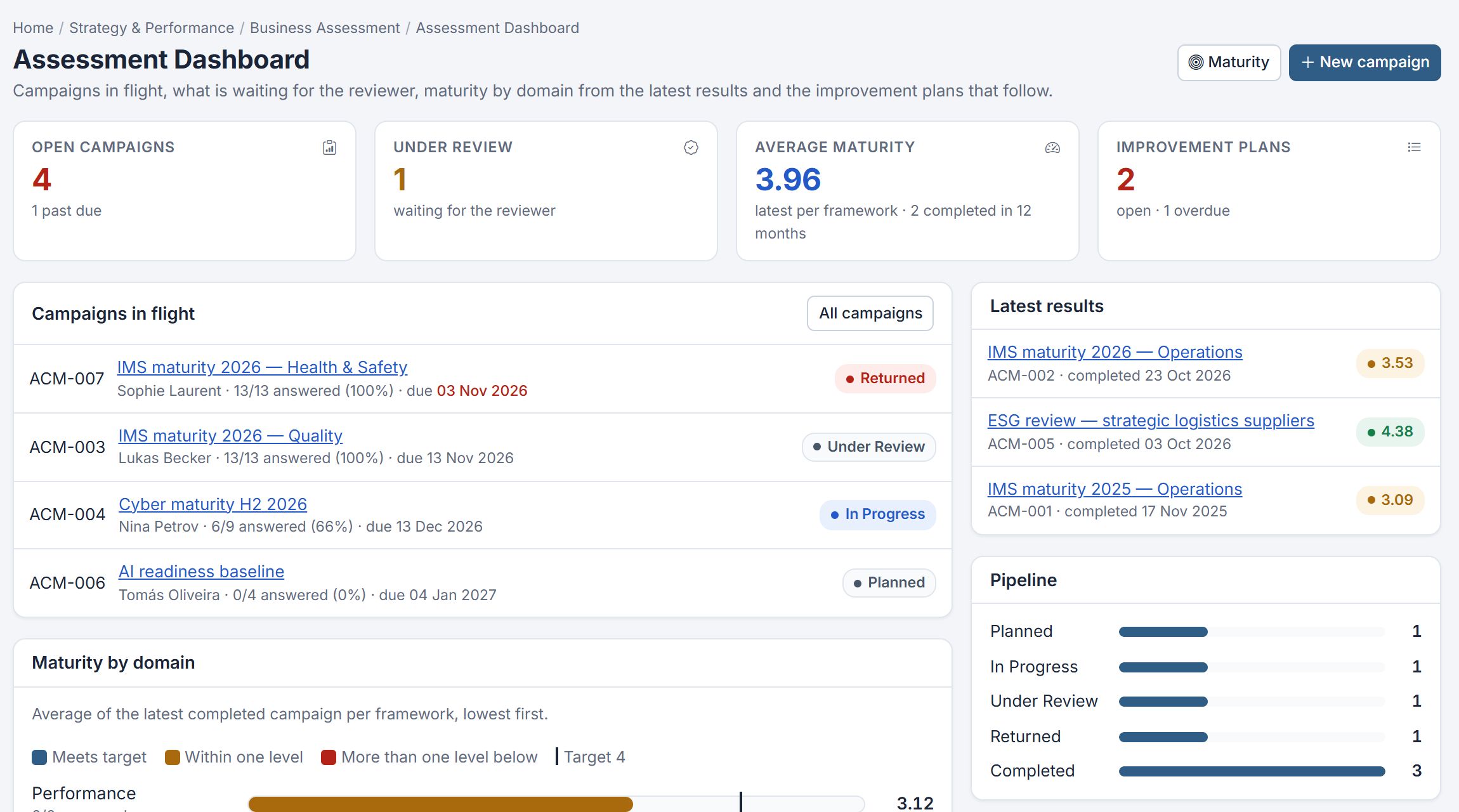
Certora Reports & Analytics runs standard reports across modules, lets you build your own on any record type, and saves and shares them. Reports can be scheduled for email delivery, assembled into board and executive packs, and every run is kept in report history, with CSV and Excel export.
Read cross-module traceability for how records connect across the system.