User access reviews work best as campaigns with clear owners and deadlines.
How to run user access review campaigns for ISO/IEC 27001: scope, reviewers, certify-or-revoke decisions, evidence of removal and audit-ready results.
The principle
An access review is complete when inappropriate access is removed, not when the spreadsheet is returned.
Access reviews are a staple of information security audits, and a frequent source of findings. Spreadsheets are emailed to managers, some are returned, few lead to any access being removed, and the evidence is scattered across inboxes.
The underlying risk is real. Access accumulates as people change roles, join projects and take on temporary responsibilities. Without regular review, users end up with far more access than their current job needs, and accounts belonging to people who left can remain active for months. Both are common contributors to security incidents.
01 · Start with context
Why access reviews matter.
ISO/IEC 27001:2022 Annex A control 5.18, Access rights, expects access rights to information and other associated assets to be provisioned, reviewed, modified and removed in accordance with the organisation’s topic-specific policy and rules for access control. Related controls cover identity management (5.16), privileged access rights (8.2) and information access restriction (8.3).
Regular review catches access that accumulates as people change roles, and accounts that remain after people leave. Privileged access deserves more frequent review than standard user access.
The principle of least privilege
Access reviews enforce least privilege over time: each person should have the minimum access needed for their current role. Provisioning processes aim for least privilege at the start; reviews correct the drift that inevitably follows.
02 · Scope the campaign
What and who is reviewed.
- The systems and applications in scope.
- The accounts and entitlements to review.
- The reviewer for each set of access: usually the line manager or the system owner.
- The deadline for completing the review.
Running reviews as campaigns, with a defined start and end, makes progress measurable.
Prioritising systems
Not every system needs the same frequency. Systems holding sensitive personal data, financial systems, production infrastructure and administrative accounts typically justify quarterly or semi-annual review. Lower-risk systems may be reviewed annually. Starting with the highest-risk systems delivers the most security value from the effort.
03 · Make decisions explicit
Certify or revoke.
- Each reviewer sees the access held by the people they are responsible for.
- For each entitlement, they certify that it is still needed or request revocation.
- Uncertain cases are escalated rather than approved by default.
- Decisions are recorded with the reviewer and date.
Explicit decisions prevent the common pattern of reviewers approving everything to finish quickly.
Reviewers need context to decide well. Showing the entitlement in plain language, when it was granted and when it was last used helps managers recognise access that is no longer needed. Raw technical group names with no description encourage blanket approval.
04 · Remove and evidence
Close the loop with IT.
Revocation requests should be actioned by system administrators and confirmed. Evidence of removal, not just the request, is what demonstrates the control is effective.
A useful check is to compare the access list after the campaign with the revocation decisions, confirming that every revoked entitlement was actually removed. Gaps between decision and removal are a common audit finding.
05 · Report and follow up
Campaign results as control evidence.
A campaign report shows completion rates, revocations and outstanding items. Overdue reviews should be escalated, and results feed into control assessments for the ISMS and into management review.
Trends across campaigns are also informative. A high revocation rate suggests provisioning or leaver processes are weak. A revocation rate of zero across hundreds of entitlements may suggest reviewers are approving without looking.
Common pitfalls
- Spreadsheet reviews: lists emailed out, partially returned, with no reliable record.
- Approve-all reviewers: every entitlement certified without consideration.
- Requests without removal: revocations decided but never actioned by IT.
- Privileged access ignored: admin accounts reviewed no more often than standard users.
06 · Certora information security management
Access reviews as campaigns.
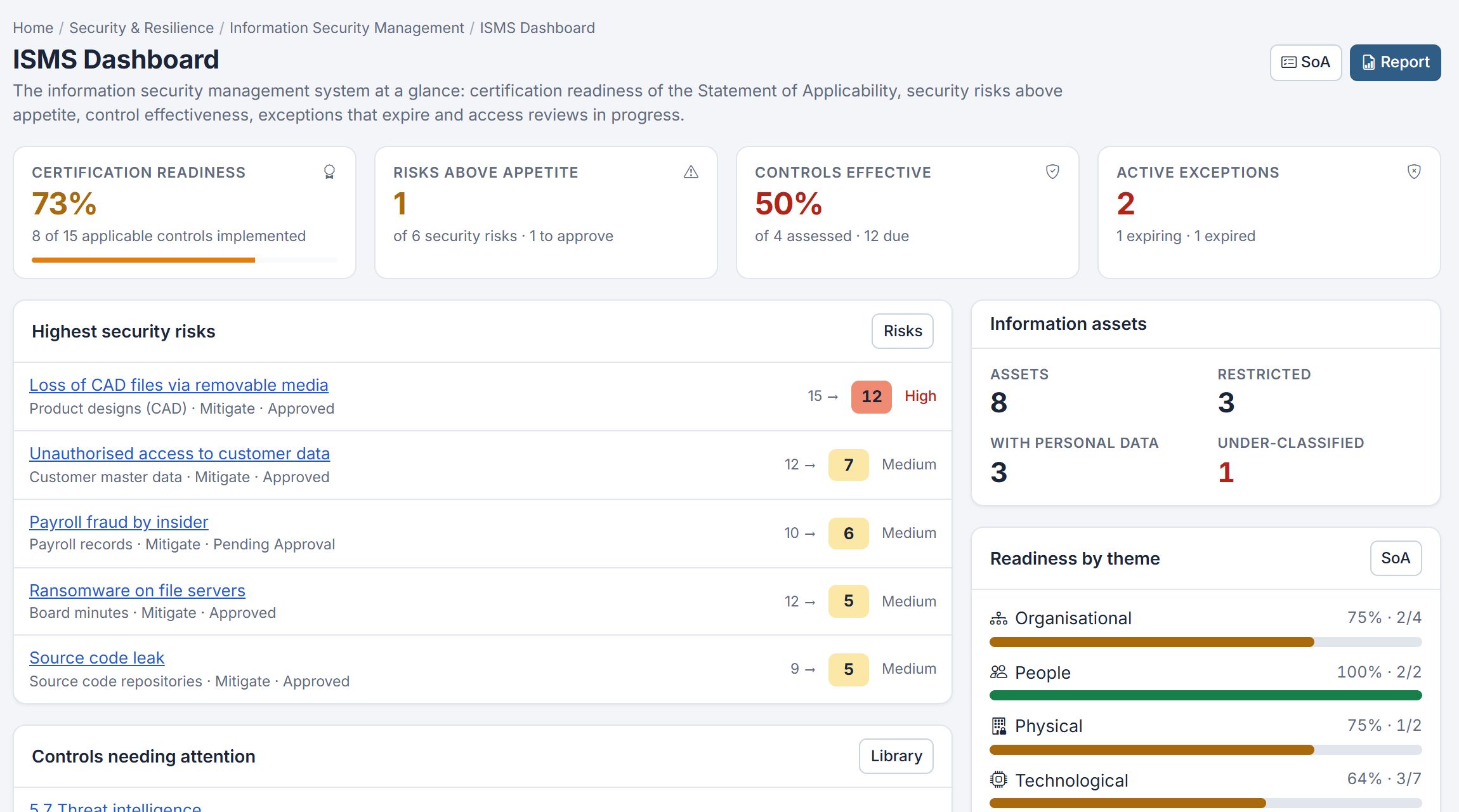
Certora Information Security Management runs access review campaigns alongside the rest of the ISO/IEC 27001 ISMS: classified information assets, security risks treated by Annex A controls, the Statement of Applicability, control assessments and time-limited exceptions. The ISMS report brings the results together.
See the Statement of Applicability for how controls connect to risk.